
50+ Cornell Notes Template & Examples in Word & PDF

Cornell notes templates are commonly used by university students to capture key points from a lecture. The Cornell method divides your page into three sections: a narrow cue column on the left, a wider notes column on the right, and a summary section at the bottom. Download one of our 50 free templates below in PDF, Word, DOC, Excel, or PowerPoint format.
Download Free Cornell Notes Templates
📑 PDF Cornell Notes Templates (01-25)
Print and fill in by hand. Single-column note-taking format with cue column and summary section. Works for any subject or lecture style.
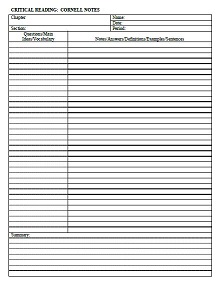
Cornell Notes Template 01
Format: PDF
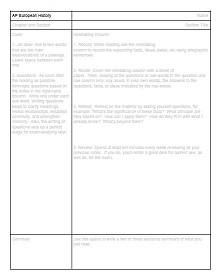
Cornell Notes Template 02
Format: PDF
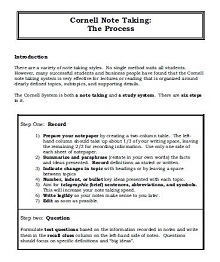
Cornell Notes Template 03
Format: PDF
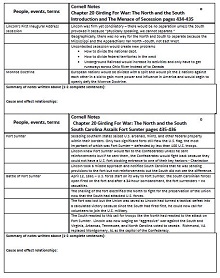
Cornell Notes Template 04
Format: PDF
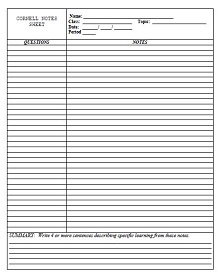
Cornell Notes Template 05
Format: PDF
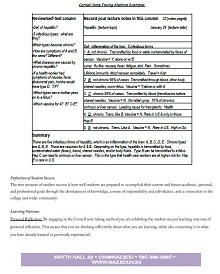
Cornell Notes Template 06
Format: PDF
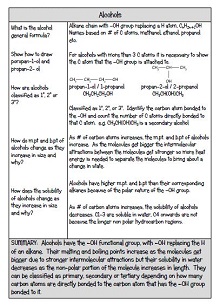
Cornell Notes Template 07
Format: PDF
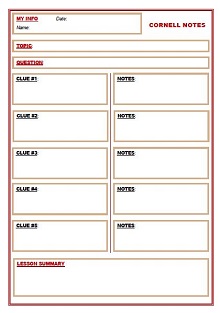
Cornell Notes Template 08
Format: PDF
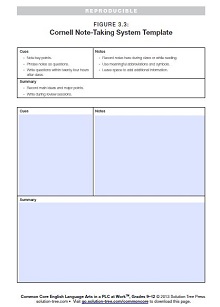
Cornell Notes Template 09
Format: PDF
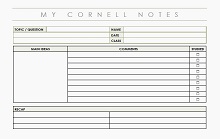
Cornell Notes Template 10
Format: PDF
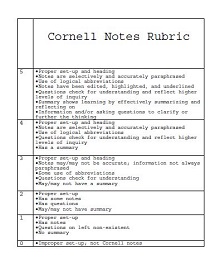
Cornell Notes Template 11
Format: PDF
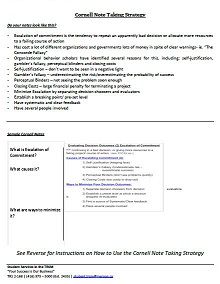
Cornell Notes Template 12
Format: PDF
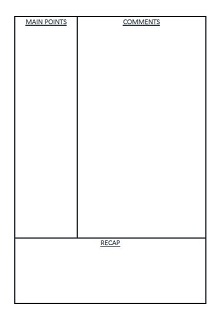
Cornell Notes Template 13
Format: PDF
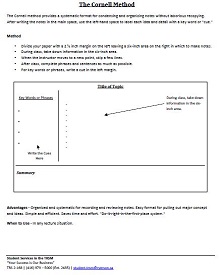
Cornell Notes Template 14
Format: PDF
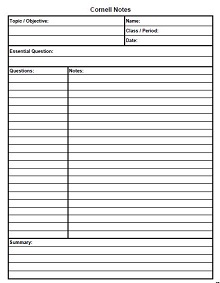
Cornell Notes Template 15
Format: PDF
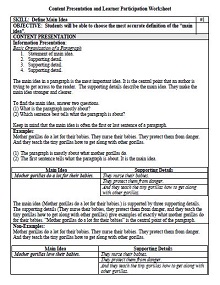
Cornell Notes Template 16
Format: PDF
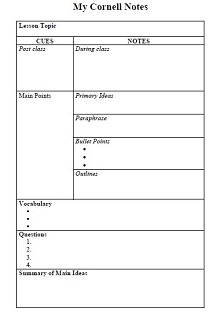
Cornell Notes Template 17
Format: PDF
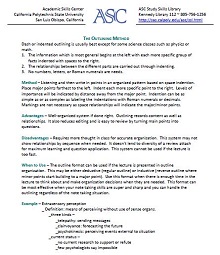
Cornell Notes Template 18
Format: PDF
Cornell Notes Template 19
Format: PDF
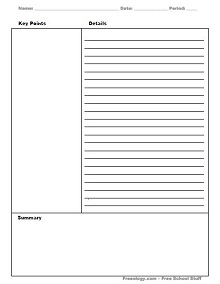
Cornell Notes Template 20
Format: PDF
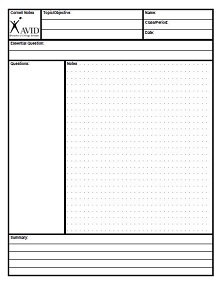
Cornell Notes Template 21
Format: PDF
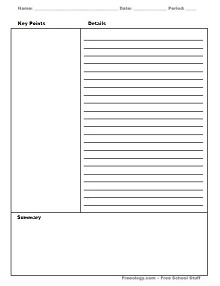
Cornell Notes Template 22
Format: PDF
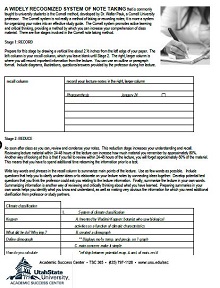
Cornell Notes Template 23
Format: PDF
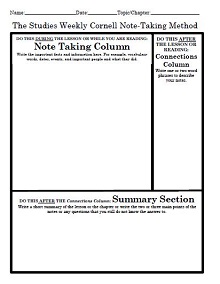
Cornell Notes Template 24
Format: PDF
Cornell Notes Template 25
Format: PDF
📄 Word, Excel & PPT Cornell Notes Templates (26-50)
Editable formats for students who prefer typing notes digitally. Word and DOCX versions open in Microsoft Word or Google Docs. Includes Excel and PowerPoint layouts.
Cornell Notes Template 26
Format: XLSX
Cornell Notes Template 27
Format: PPT
Cornell Notes Template 28
Format: PPT
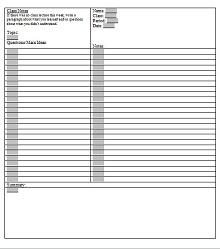
Cornell Notes Template 29
Format: DOC
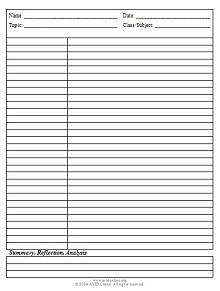
Cornell Notes Template 30
Format: DOC
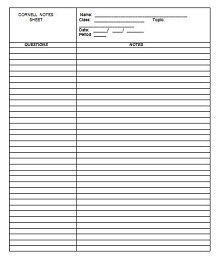
Cornell Notes Template 31
Format: DOC
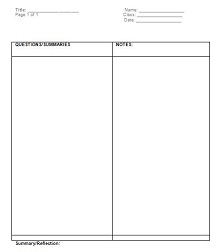
Cornell Notes Template 32
Format: DOC
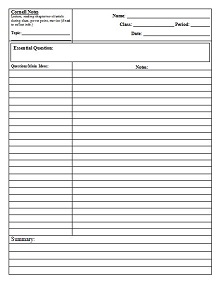
Cornell Notes Template 33
Format: DOC
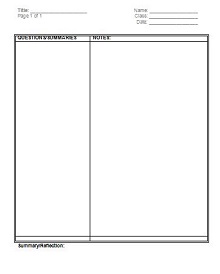
Cornell Notes Template 34
Format: DOC
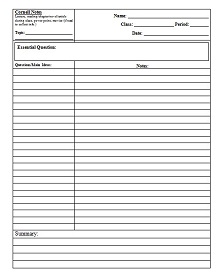
Cornell Notes Template 35
Format: DOC
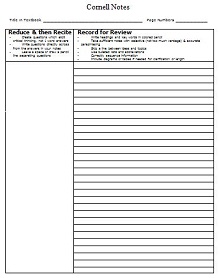
Cornell Notes Template 36
Format: DOC
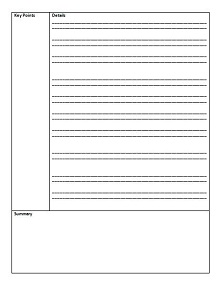
Cornell Notes Template 37
Format: DOCX
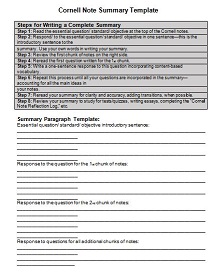
Cornell Notes Template 38
Format: DOCX
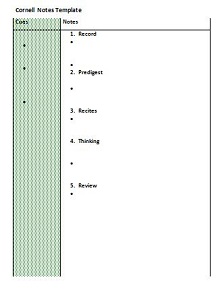
Cornell Notes Template 39
Format: DOCX
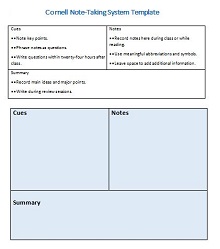
Cornell Notes Template 40
Format: DOCX
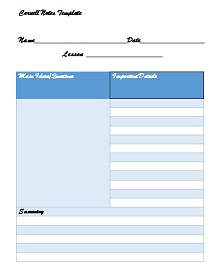
Cornell Notes Template 41
Format: DOCX
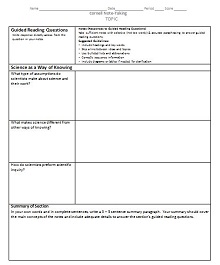
Cornell Notes Template 42
Format: DOCX
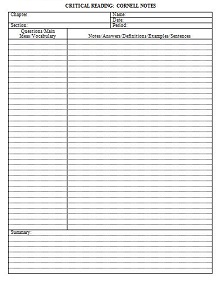
Cornell Notes Template 43
Format: DOCX
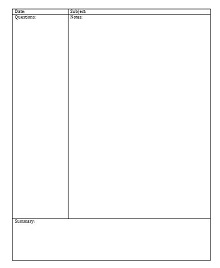
Cornell Notes Template 44
Format: DOCX
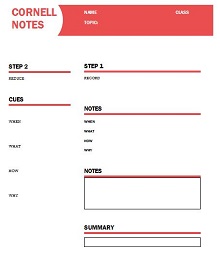
Cornell Notes Template 45
Format: DOCX
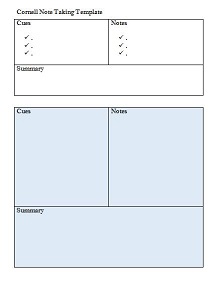
Cornell Notes Template 46
Format: DOCX
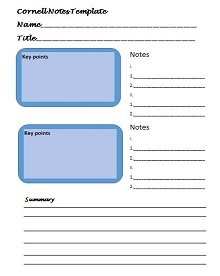
Cornell Notes Template 47
Format: DOCX
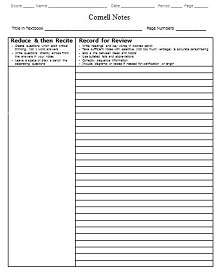
Cornell Notes Template 48
Format: DOCX
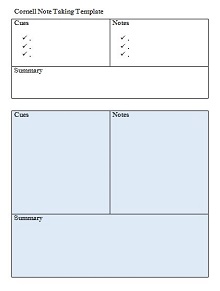
Cornell Notes Template 49
Format: DOCX
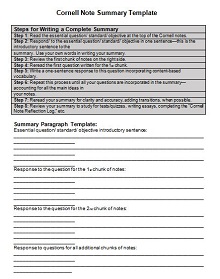
Cornell Notes Template 50
Format: DOCX
It is also helpful in many situations to note some key points. Students use different tips and strategies to improve their study habits. Time management, note-taking, test-taking, and strictly following the lesson plan are essential strategies that every successful student follows. It is impossible to write down all the words you listen to in a lecture. So it is essential to follow an effective way to understand the concept in a few lines. The memory of some students fades quickly; it is the most efficient way to learn knowledge from a lecture, not just to memorize it.
Writing essential key points efficiently helps to memorize things for a long time because researchers say people forget 50% of what they listen to in an hour. So, note-taking is a beneficial strategy to memorize the essential key points you can use for future review. Below we share a complete guide to Cornell notes-taking methods to organize your notes in a structured form. It is helpful to see Cornell notes example templates to understand more about it. You can also find Cornell notes templates in a standard format. These printable note-taking templates are free and available in Word, Excel, and PDF formats.
Cornell Notes Taking Method
There are many techniques of note-taking, but Cornell’s note-taking method is one of the best. The Cornell note-taking process helps you to understand more about it. Follow these simple steps to make your notes organized:
Prepare your notebook
Prepare your notebook or paper according to the Cornell note-taking format.
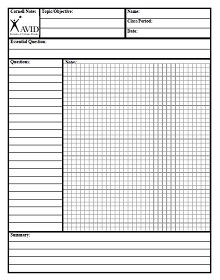
- First, a horizontal line at the bottom of the page must be 5-7 lines above the last to make a portion in the last of the page to write the summary of your notes.
- Draw a vertical line from the start to the horizontal line you draw.
- The left part of the page must be 2.5 inches used for reviewing your notes. It is called the clue column.
- Whereas the right portion of the vertical line is used for note-taking.
The header of this page
Make the header of this page and write the name of the lecture topic at the top of the note-taking page. This will help you identify each page with the name of the lecture topic.
Clue column
- Underline all the key points in the note-taking section and then write the essential key points or keywords in the left part of the paper.
- Place related questions, comments, keywords, and main ideas in this paper section.
- Formulate all the test questions from the note-taking section and write them in the clues column.
- This column reviews your notes and helps to take a self-test.
Note-taking section
- Write information from the professor in a lecture or from reading a book and other resources.
- Include diagrams displayed on the board while listening to lectures.
- Write all of your notes in the right-hand section of the paper in detail.
- Use bullet points and paragraphs to make them readable.
- Follow the MLA format to make it more comprehensive and understandable for the future.
- Write as simply and descriptively as possible.
Summary
- Write the summary of your notes in your own words.
- Use a few lines to summarize all the things.
- It is written after the lecture or writing the clues column and note-taking section.
- Include important information in the summary section.
To write the summary of a lecture, see the free Cornell notes summary templates in Word and PDF format.
It is one of the fastest ways to organize your notes, improve learning skills, and summarize all the essential things in one place. If you want to take advantage of this method, following the Cornell notes format is essential. Browse our collection to download the Cornell notes sheet, available in every version you prefer according to the Cornell layout.
The 5 R’s Of Note Taking
The primary reason for the note-taking method is to improve your study skills and help you be successful in your field. Above, we discussed one of the most popular and effective note-taking techniques. After that, there are some things that you should keep in mind to use these notes efficiently. The following things explain the Cornell system:
Record
The first R of note-taking is recording all the essential things during a lecture. Write down all the meaningful data. Record the important points, facts, and ideas you are hearing in a lecture or reading from a book.
Reduce
It is hard to write down all your professor’s words during a lecture. Try to summarize things as you can. Underline the essential things in your note-taking section and write the keywords, questions, and ideas in the clue section of the paper. It helps to make things clear and understand quickly.
Recite
To memorize everything, it is essential to write your notes in your own words. Read the note-taking section, see the cue column, and then write down what you listen to in a lecture in a few lines.
Reflect
Think about this topic after reading your notes and writing your ideas in the notebook. This will help you have a better discussion about this topic and give better answers to the exam questions.
Review
Before reading further about the same topic, review your old notes. This helps to refresh all the information in your old records. Review the key points and main ideas before adding the new material to your old notes.
Features Of Good Notes
There are features of good notes from which you must be aware of making effective notes:
- It should be organized in an efficient way
- Must be followed by some note-taking method
- Use bullet points instead of a long paragraph
- It should be readable and understandable
- Underline the key points and main ideas
- Use graphics to make it visually better
- There should be a header for the notes
- Use the standard margin and line spacing
- Use paragraph headings to make it more descriptive
- Include the relevant information
You should have all these features in your notes to call them good notes.
5 Best Note-Taking Methods
There are various note-taking methods that you can follow to make your notes well organized. Students use different techniques to arrange notes and improve their study skills. One of the most popular and effective techniques is note-taking. Cornell’s note-taking system is a popular and commonly used method. Below we provide a complete guide to the basic note-taking methods. Some primary methods to improve the readability of your notes are as follows:
The outline method
The outline method is one of the popular and effective methods of writing down what you heard in a lecture. This method is helpful when there is group information. After discussing the main topic, there are subcategories of the main topic. It is vital to write down the information in a structured form. Use bullet points to represent every topic and subtopic. You can see an outline method example to understand its format.
The boxing method
Each box contains a specific group of information in the boxing note-taking process. Students do not commonly use the boxing method because it is time-consuming. Grouping the data in different tables is sometimes time-consuming and complicated. It is not suitable to note down every type of information.
The Cornell method
Above, we discuss all the Cornell notes and their methods. Divide your paper as described above, and write brief information that is to the point in the note-taking section. Summarize your notes and write them in the summary section. Place the key points, main ideas, and questions in the cue column to self-test and review notes.
The charting method
The charting method is just like the table and spreadsheet. Organize your notes by creating the chart. Make a separate row for each topic and place the related information in each cell. There are different categories of each topic that are placed in each column. For example, this topic’s charting note-taking methods and columns may be described, as well as its advantages, disadvantages, and uses.
The mapping method
The mapping method is used when the material of your notes is complicated and hard to write. Students or teachers use a mapping note-taking approach to represent the content graphically. Write the main topic on the top of the page, write the related topic or subtopics on the left or side, and link it with the main topic by drawing the arrows.
How To Format Cornell Notes Template In Word
We share a list of Cornell note-taking templates in every format you like. You can customize blank Cornell notes templates as you need. Follow these steps to make your template in Word:
- Open Microsoft Word.
- Click the “Blank document” to make the template according to your needs.
- Make a header of the document as you like. You can write it as “class notes templates.”
- Go to the “insert tab,” click on “table,” and select the drawing table.
- Draw a table according to your needs. People prefer the unlined Cornell template; you can draw it as you like. It should be 2.5 inches for the left side of the clue column, 6.0 inches for the notes-taking section, and 2.0 inches for the summary part of the notes.
- Click on the “file” from the menu bar. Select “save as” and write the file name then click “ok” to save it.
Tips For Cornell Notes Taking
Use these tips to make your notes useful.
- Use bullet points to highlight the essential key points.
- Write all the important information briefly but to the point.
- Listen to the lecture actively.
- Summarize the whole lecture notes in our own words
- Write your opinion in the summary section after listening to the lecture.
- Underline the important points, draft questions, main ideas, and key points from the note-taking section, and write the paper in the left-hand column.
- Use simple words for complex terms.
Use MLA format to increase the readability of your notes.
Mistakes To Avoid While Taking Cornell Notes
Students of schools and colleges for biology, maths, and chemistry subjects widely use Cornell’s notes-taking system. We share a complete guide to avoiding common mistakes while taking Cornell notes.
- It is impossible to write down the lecture without listening to it. People focus on writing instead of listening to the lecture attentively. This may lead to making failure notes.
- Students want to write down every lecture word but should avoid doing so. In your notes, write only the important and relevant information and avoid irrelevant things.
- Sometimes, students follow the paragraph strategy to note the lecture. This may create confusion and be difficult to read. Instead, use bullet points to highlight the essentials.
- Students write the content of the lecture and then forget to review it. Reviewing the notes helps them memorize and prevent incorrect information.
- Taking notes does not mean highlighting the text. It is a way to summarize the lecture organizationally and efficiently.