
20+ Free Construction RFI Template Forms (Printable PDF)

On a construction site, information flows in every direction — between contractors, subcontractors, architects, and owners. When something is unclear, ambiguous, or missing from the project documents, work stops until someone gets an answer. A Request for Information (RFI) is the formal mechanism for that conversation. Download one of our free construction RFI templates below in PDF or Word format, and make sure every information request on your project is documented, tracked, and answered on time.
Download Free Construction RFI Templates
🏗️ Standard Construction RFI Forms
These templates cover the standard RFI format used across most commercial and residential construction projects. Each includes fields for the RFI number, date submitted, subject, question, specification reference, and response deadline.
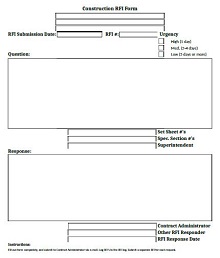
Construction RFI Template 01
Format: PDF
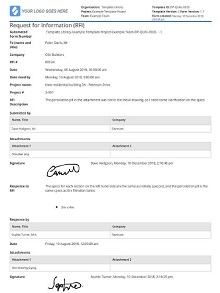
Construction RFI Template 02
Format: PDF
Construction RFI Template 03
Format: PDF
Construction RFI Template 04
Format: PDF
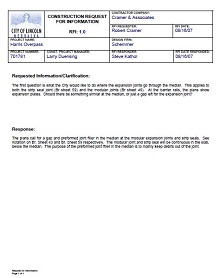
Construction RFI Template 05
Format: PDF
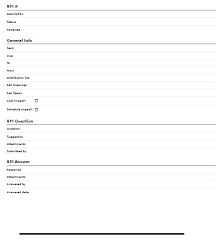
Construction RFI Template 06
Format: PDF
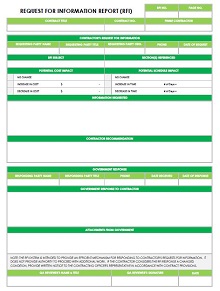
Construction RFI Template 07
Format: PDF
Construction RFI Template 08
Format: PDF
📄 Editable Word & DOC RFI Templates
These Word and DOC format templates are fully editable, making them ideal for teams that want to customize the fields, add their company logo, or integrate the form into their existing project documentation workflow.
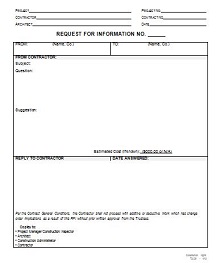
Construction RFI Template 09
Format: DOC
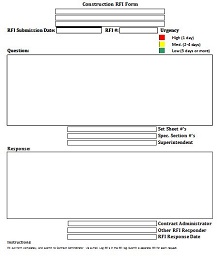
Construction RFI Template 10
Format: DOC
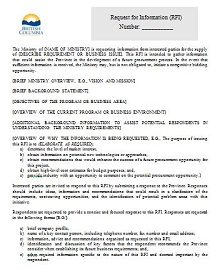
Construction RFI Template 11
Format: DOC
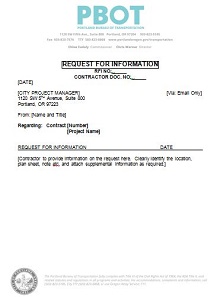
Construction RFI Template 12
Format: DOCX
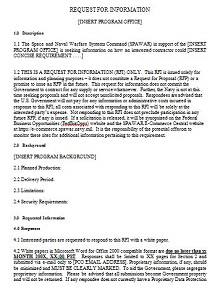
Construction RFI Template 13
Format: DOC
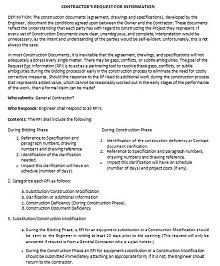
Construction RFI Template 14
Format: DOC
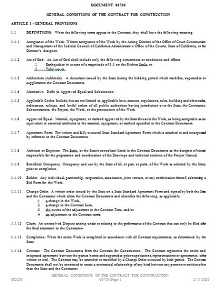
Construction RFI Template 15
Format: DOC
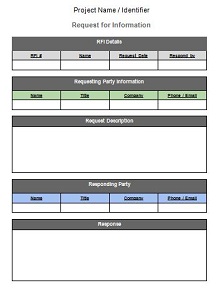
Construction RFI Template 16
Format: DOCX
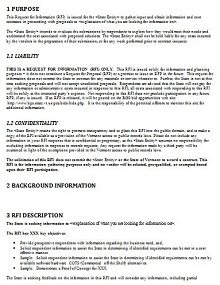
Construction RFI Template 17
Format: DOC
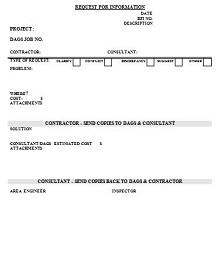
Construction RFI Template 18
Format: DOC
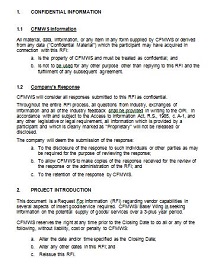
Construction RFI Template 19
Format: DOC
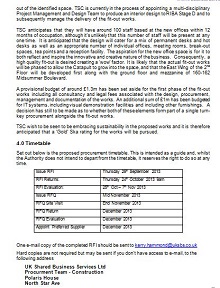
Construction RFI Template 20
Format: DOC
What Is a Construction RFI?
A construction RFI (Request for Information) is a formal written document used on construction projects to clarify ambiguities, inconsistencies, or missing information in the project drawings, specifications, or contract documents. When a contractor or subcontractor encounters something unclear on-site — a dimension that doesn’t match, a material not specified, or a conflict between drawings — they submit an RFI to the architect or project owner requesting clarification before work proceeds.
RFIs are a normal and expected part of any construction project. The key is managing them well. An untracked RFI that gets answered verbally instead of in writing is a liability — when disputes arise later, there’s no documented record of what was decided. Every RFI should be submitted in writing, numbered sequentially, and logged in a tracking register so the entire project team can see its status at any time.
Key Fields in a Construction RFI Template
- RFI number: Sequential numbering keeps every RFI traceable and makes it easy to reference in meeting minutes or correspondence.
- Project name and number: Identifies which project the RFI belongs to, essential when a contractor is running multiple jobs simultaneously.
- Date submitted and response required by: Sets the clock on when an answer is needed so work isn’t held up longer than necessary.
- Subject and specification reference: Identifies the specific drawing number, section, or document the question relates to.
- Question or clarification requested: A clear, specific statement of what needs to be answered. Vague RFIs get vague answers — or worse, no answer at all.
- Response field: Space for the architect or owner to provide their answer, sign off, and return the completed document.
Types of Construction RFI Templates
1. Standard RFI Form
The most common format used across commercial and residential projects. One page, clearly structured, with fields for the question, reference documents, response deadline, and answer. Works for the majority of day-to-day clarification requests on a typical construction site.
2. Design RFI
Used during the design phase before construction begins, when a contractor or owner wants to clarify something in the design documents before they become the contract basis. These often include space for sketches or attachments since the question may require a visual explanation.
3. Subcontractor RFI
Submitted by a subcontractor to the general contractor, who then forwards it to the architect or owner if necessary. These need a clear chain of custody field so it’s obvious who submitted it, who reviewed it, and who gave the final answer.
Tips for Writing an Effective Construction RFI
- Be specific: Reference the exact drawing number, sheet, detail, or specification section. “The structural drawings are unclear” won’t get you a useful answer. “Drawing S-301, Detail 4 shows a 6-inch beam but the schedule on S-001 calls for 8-inch” will.
- One question per RFI: Bundling multiple unrelated questions into a single RFI makes tracking responses complicated and gives the recipient an excuse to answer only part of it.
- Set a realistic response deadline: Give the architect or owner enough time to answer properly, but tie it to your actual schedule impact so they understand the urgency.
- Log every RFI: Keep a running register of all submitted RFIs with their status — submitted, under review, answered, closed. This is your paper trail if a dispute arises later.
Frequently Asked Questions
What is the difference between an RFI and a submittal?
An RFI asks a question and requests clarification from the design team or owner. A submittal is a document, sample, or product data sheet that the contractor sends to the architect for review and approval before installing something. They serve different purposes but are both part of the project documentation workflow.
How long should an RFI response take?
Industry standard is typically 7 to 14 calendar days, though most contracts specify a response period. For urgent RFIs that are holding up active work, it’s reasonable to flag them as high priority and request a faster turnaround — but always in writing so the delay is documented if the response is late.
Can I edit these RFI templates in Word?
Yes. All DOC and DOCX templates open directly in Microsoft Word or Google Docs. Add your company logo, project details, and any additional fields your project requires. The PDF templates work with Adobe Acrobat or any free PDF editor.
Are these templates free?
Yes. Every template on this page is completely free to download with no account or signup required. Click the download button on any template above to get started.